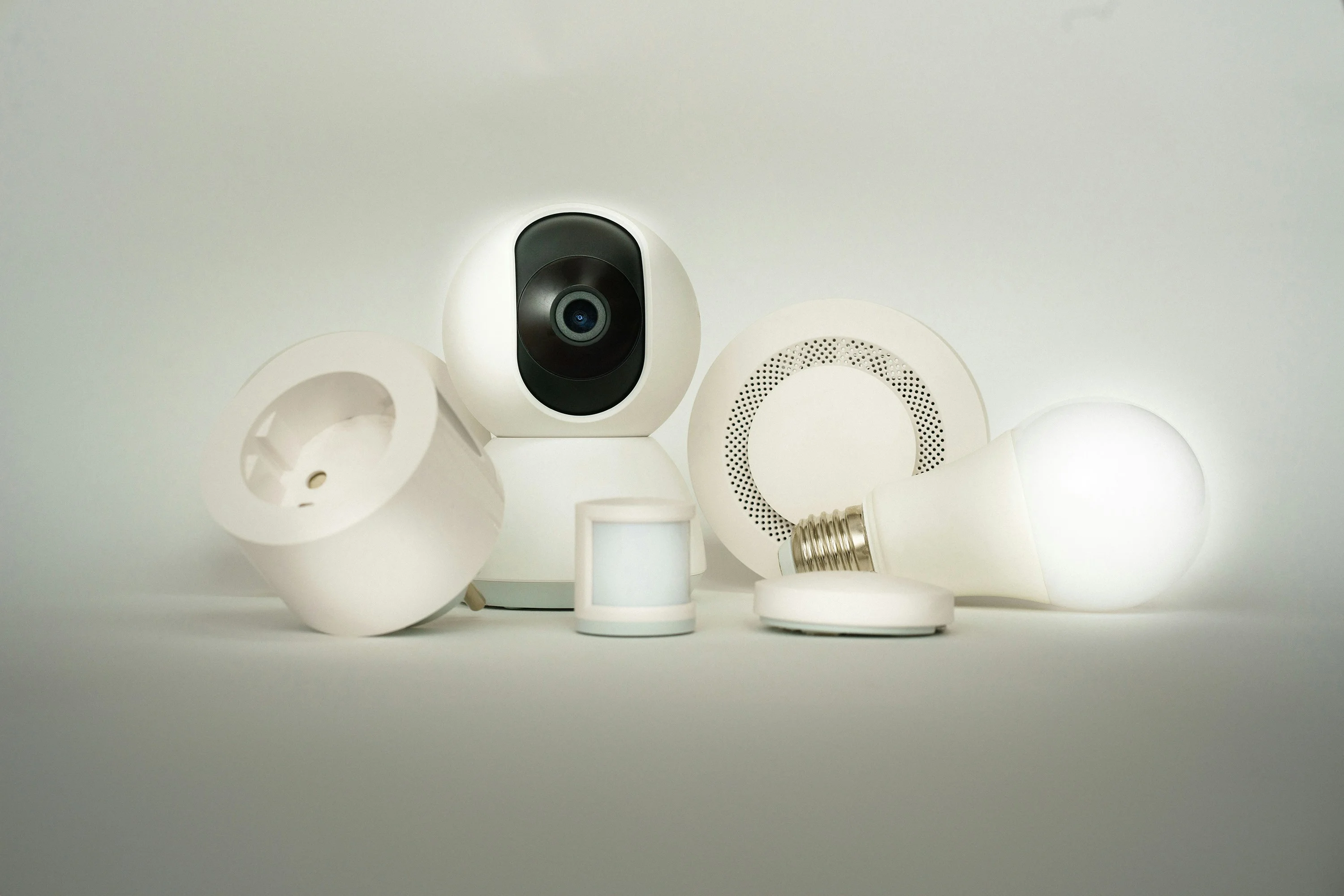
The Complete Beginner's Guide to Building a Smart Home
Building a smart home sounds exciting until you realize how fragmented the market is. Zigbee, Z-Wave, Matter, Thread — brands pushing their own apps and hubs. This guide cuts through all of that with three decisions made in order. Each one gates the next.
The order that works
- Pick your ecosystem (voice assistant)
- Buy your first two devices (speaker + bulbs)
- Expand when you’ve used those daily for a month
Resist the urge to buy everything on day one. A few devices you actually use daily are worth more than twenty that sit half-configured. Here’s how to make each decision.
Gate 1: Which ecosystem?
Before buying a single smart device, pick your voice assistant: Amazon Alexa, Google Home, or Apple HomeKit. Everything you buy should be compatible with whichever you choose.
- Alexa has the widest device compatibility and best budget-device support
- Google Home is a natural fit if you’re in the Android/Google ecosystem
- Apple HomeKit offers the best privacy but limits you to pricier devices
Most beginners go with Alexa — the device selection is massive and prices are significantly lower.
This decision doesn’t have to be permanent. Matter, the new cross-ecosystem standard, means more devices work across all three. But for your first setup, pick one and stay consistent. Mixing ecosystems creates friction in daily use.
Gate 2: What to buy first
Once you’ve picked an ecosystem, two categories give you the biggest quality-of-life improvement with the least friction.
A smart speaker
A voice assistant with a speaker is the hub your whole setup runs through. The Echo Spot is one of the most natural starting points for bedrooms and first-time setups — compact circular display, Alexa built-in, and a form factor that doesn’t feel like it demands counter space.

An Echo Dot ($35–$55) or Echo Show works equally well depending on your preference for a screen. Once you have one, automating your lights with your voice becomes instant — no reaching for your phone.
Smart lighting
Smart bulbs are the easiest entry point. No rewiring — screw them in and connect to your app. Look for bulbs that support:
- 2700K–6500K color temperature range — you’ll use the warm-to-cool range constantly
- 800+ lumens for a proper living room replacement
- Wi-Fi or Zigbee (Wi-Fi is easier to start; Zigbee is faster and more reliable as your setup grows)
A starter pack of 4 bulbs runs $25–$45 and covers a room completely.
Budget breakdown for a starter setup
| Item | Estimated cost |
|---|---|
| Smart speaker (Echo Dot) | $35–$55 |
| 4-pack smart bulbs | $25–$45 |
| Smart plug (for lamps/coffee maker) | $10–$15 |
| Total | $70–$115 |
That’s a functional setup. The smart plug is optional for week one, but once you have lights working, a $10–$15 smart plug on a lamp or coffee maker is the fastest way to see what automation actually feels like.
Gate 3: When to add complexity
Give your first two devices a month of daily use. Then add the next layer:
Understand the protocol landscape
You don’t need to become an expert, but know the difference:
| Protocol | How it connects | Best for |
|---|---|---|
| Wi-Fi | Directly to your router | Simple setups, no hub needed |
| Zigbee | Mesh network via hub | Larger setups, lower latency |
| Z-Wave | Mesh network via hub | Security devices, rock-solid reliability |
| Matter | Cross-ecosystem standard | Future-proofing your setup |
For most beginners: start with Wi-Fi devices. No hub required. When you expand to 15+ devices, look at a Zigbee hub — the Amazon Echo (4th gen) has one built in.
Add a smart thermostat
This is where real energy savings kick in. A smart thermostat costs $130–$250 and typically pays back in under 12 months through reduced heating and cooling costs — roughly 23% average savings on climate control according to Ecobee’s published data. The Ecobee Essential is the right starting point.

Automate, not just control
The real value of a smart home isn’t turning lights on with your phone — it’s automation. Once you have a few devices running:
- Morning routine: lights gradually brighten 30 minutes before your alarm
- Away mode: all lights off + security camera armed when you leave
- Movie mode: one tap dims everything to 20%, TV input switches
These run without you touching anything. That’s the actual payoff.
Add smart plugs and a security camera
A smart plug on a lamp or fan runs $10–$15 and gives you on/off scheduling and away-mode automation for any appliance. A front door camera rounds out a starter setup.

What to avoid
- Cheap no-name Wi-Fi bulbs: these drop off your network constantly and the apps disappear
- Over-committing to one ecosystem too fast: buy one or two devices before going all-in
- Ignoring your router: smart homes put many devices on Wi-Fi — if your router is old, upgrade it first
More Articles
Ring Peephole Cam 2K: What to Know Before You Pre-Order
Ring's newest peephole camera brings 2K resolution and renter-friendly installation to apartments and condos. Here's what changes, what stays the same, and what to check before your door qualifies.
July 22, 2026Best Anker Back to School Tech for Students and Teachers in 2026
Three Anker picks that solve the real problems of campus and classroom life — dead phones between classes, single-port laptops, and never enough outlets.
July 20, 2026Anker Student Discount: How to Save 15% on Charging Gear with Student Beans
Anker offers a verified 15% student discount through Student Beans — here's exactly how to claim it in under two minutes on the US Anker website.
July 20, 2026